What is the GST Act?
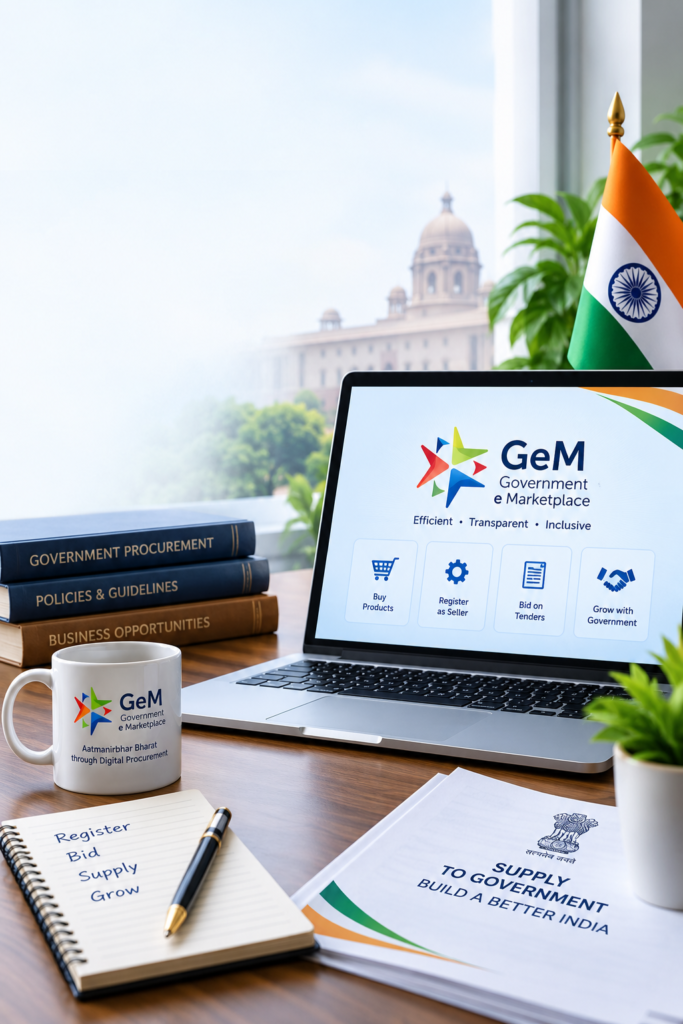
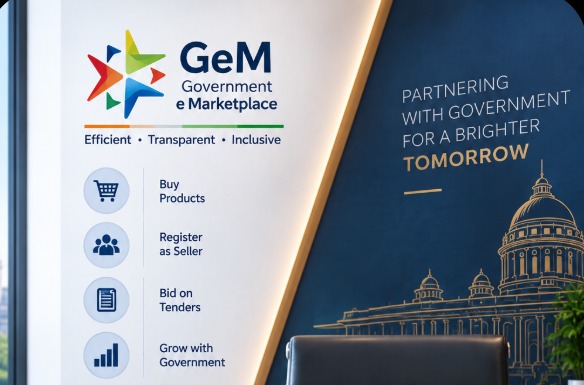
Government e Marketplace (GeM) is an online platform launched by the Government of India to facilitate the procurement of goods and services by various government departments, ministries and PSUs. It provides a transparent, efficient and user-friendly platform for both sellers and buyers.
If you are a business owner, manufacturer, service provider or trader, registering on GeM can open new opportunities to supply products and services to government organisations across India. This guide will help you understand the registration process on the GeM portal in a simple and easy way.
What is GeM Portal?
Who Can Register on GeM?
The following entities can register on the GeM portal:
Sellers
- Manufacturers
- Traders
- MSMEs
- Service Providers
- Startups
Buyers
- Government Departments
- PSUs
- Autonomous Bodies
- Statutory Organizations
- Other Government Entities
Documents Required for GeM Registration
The documents required may vary slightly based on your business type. Generally, the following are needed:
For Seller Registration
- Business Name and Type (Proprietorship, Partnership, Company, etc.)
- PAN Card
- Aadhaar Card of Authorized Person
- Udyam Registration (if applicable)
- GST Registration Certificate
- Bank Account Details with IFSC Code
- Email ID and Mobile Number linked to Aadhaar
- Company Registration Certificate (if applicable)
- Product or Service Catalogue
For Buyer Registration
- Official Government Email ID
- Authorization Letter
- Government Department Details
- Name and Designation of Officer
- Contact Number
Step-by-Step Process to Register on GeM as a Seller
Visit the GeM Portal
Go to the official website: https://gem.gov.in
Enter Your Business Details
Fill in basic details such as business name, PAN, address, mobile number, etc.
Create Login Credentials
Set a username and password to access your account.
Profile Completion
Complete your seller profile, including business information, bank details and contact person.
Add Product/Service Catalogue
Upload your products or services with detailed specifications, images and pricing.
Brand Approval (If Required)
Once your profile is active, you can start participating in bids and reverse auctions.
Bid Participation
Once your profile is active, you can start participating in bids and reverse auctions.

How to Register as a Buyer on GeM
- Go to https://gem.gov.in
- Click on “Buyer” section.
- Enter organization details and verify via official email.
- Create login credentials.
- Complete your profile with department information.
- Start browsing and placing orders or creating bid requirements.
Benefits of Registering on GeM
For Sellers
- Access to a large customer base (Government buyers)
- Equal opportunities for MSMEs and startups
- Transparent and fair procurement process
- Prompt payments and online integration
- Participation in bids and reverse auctions
For Buyers
- Wide variety of products and services
- Standardized procurement process
- Transparency and accountability
- Efficient and cost-effective purchasing
- Timely delivery and quality assurance
Tips to Maximize Success on GeM
Keep Your Profile 100% Complete and Updated
Complete your seller profile with accurate business, contact, bank and registration details. Keep the information updated whenever there is a change.
Provide Accurate Product Details with High-Quality Images
Add clear product descriptions, specifications, pricing and high-quality images to help buyers understand your products easily.
Follow GeM Guidelines and Policies
Follow the applicable GeM rules, procurement guidelines and platform policies to maintain proper compliance while participating in the marketplace.
Regularly Check for New Bid Opportunities
Check the GeM portal regularly for relevant bids, tenders and procurement opportunities that match your products or services.
Maintain Good Ratings and Customer Feedback
Add clear product descriptions, specifications, pricing and high-quality images to help buyers understand your products easily.
Update Your Catalogue Regularly
Keep your product catalogue updated with current products, specifications, images, pricing and availability.